
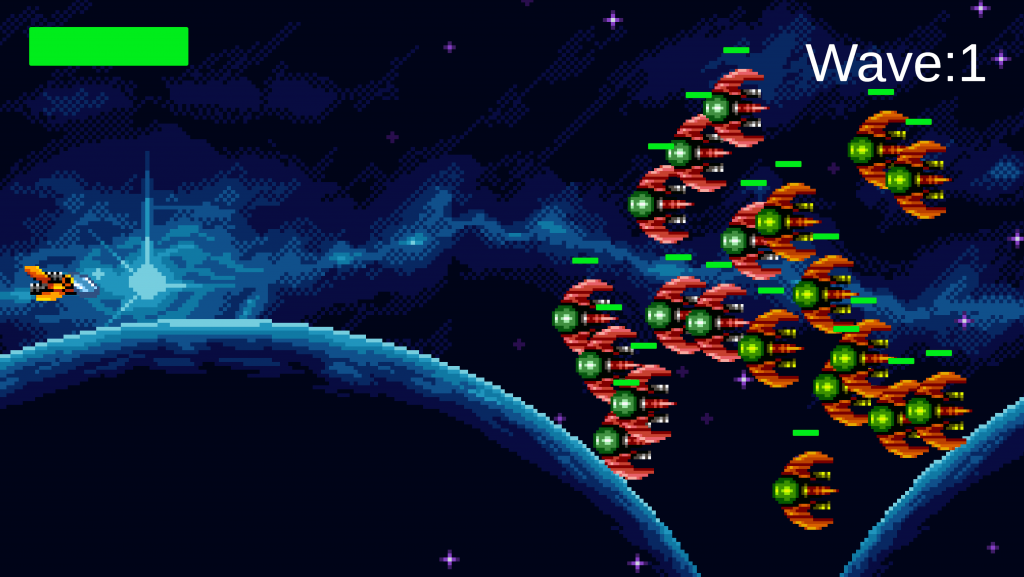
https://www.dropbox.com/scl/fi/idw5pikby2ek06iyyenjg/YokoShootingGame.zip

using System;

// コンストラクタ

class User {
  public string name;
  // public User() {
  //   this.name = "ME";
  // }
  public User(string name) {
    this.name = name;
  }
  // public User() { // オーバーロード
  //   this.name = "nobody";
  // }
  public User(): this("nobody") {
  }
  public void SayHi() {
    Console.WriteLine($"hi {name}");
  }
}

class MyApp {

  static void Main() {
    // User user = new User();
    // user.SayHi();
    User tom = new User("Tom");
    tom.SayHi();
    User user = new User();
    user.SayHi();
  }

}using System;
using System.Collections.Generic;
// Collection
// - List
// - HashSet
// - Dictionary
class MyApp {
static void Main() {
// List<int> scores = new List<int>();
// scores.Add(30);
// scores.Add(80);
// scores.Add(60);
List<int> scores = new List<int>() { 30, 80 , 60 };
scores[1] = 100;
Console.WriteLine(scores.Count);
foreach (var score in scores) {
Console.WriteLine(score);
}
}
}using System.Collections;
using System.Collections.Generic;
using UnityEngine;
using System.IO;
public class SaveManager
{
const string location = "Assets/Resources/Data";
public static void SaveData<T>(string fileName, T template)
{
if (!Directory.Exists(location))
{
Directory.CreateDirectory(location);
}
string data = JsonUtility.ToJson(template);
string path = Path.Combine(location, fileName);
using (FileStream stream = new FileStream(path, FileMode.Create))
{
using (StreamWriter writer = new StreamWriter(stream))
{
writer.Write(data);
}
stream.Close();
}
Debug.Log("game saved");
}
public static T LoadData<T>(string fileName) where T : class
{
T load = null;
string read = "";
string path = Path.Combine(location, fileName);
if(!File.Exists(path))
{
return null;
}
using (FileStream stream=new FileStream(path,FileMode.Open))
{
using (StreamReader reader=new StreamReader(stream))
{
read = reader.ReadToEnd();
}
stream.Close();
}
load = JsonUtility.FromJson<T>(read);
return load;
}
}
using UnityEngine;

[System.Serializable]
public class Stats // ← MonoBehaviourを削除
{
    public int Level = 1;
    public int maxHp = 1;
    public int atk = 1;
    public int def = 1;
    public int mana = 1;
    public int manaXSecond = 5;
    public CharacterClass charClass = CharacterClass.warrior;
}

public enum CharacterClass
{
    warrior,
    maga,
    priest,
    paladin,
    shamano,
    druid,
    rogue,
    ranger
}using Photon.Pun;
using System.Collections;
using System.Collections.Generic;
using UnityEngine;
public class Player : Entity
{
CameraFollow follow;
[SerializeField]
float rotSpeed = 2;
[SerializeField]
float scrollAmount = 3;
[SerializeField]
float minZoom = 10, maxZoom = 120;
ActionController controller;
const float second = 1;
float manaCounter = 1;
public SaveData data = new SaveData();
// Start is called before the first frame update
public override void Init()
{
base.Init();
if (!photonView.IsMine) return;
data = SaveManager.LoadData<SaveData>(data.characterName);
if(data==null)
{
data = new SaveData();
}
controller = GetComponent<ActionController>();
controller.sync = sync;
controller.Init(this);
var f = Resources.Load<CameraFollow>(StaticStrings.follow);
follow = Instantiate(f, transform.position, transform.rotation);
follow.Init(transform);
WorldManager.instance.playerList.Add(transform);
UIManager.instance.player = this;
onDeathEvent = () =>
{
UIManager.instance.deathPanel.SetActive(true);
};
}
public override void Tick()
{
UseCamera();
if(controller.mana<stats.mana)
{
manaCounter -= Time.deltaTime;
if (manaCounter<=0)
{
manaCounter = second;
controller.mana += stats.manaXSecond;
if (controller.mana > stats.mana) controller.mana = stats.mana;
}
}
if (!CanMove()) return;
float x = Input.GetAxisRaw(StaticStrings.horizontal);
float y = Input.GetAxisRaw(StaticStrings.vertical);
Vector3 move = (transform.right * x) + (transform.forward * y);
move *= Time.deltaTime * moveMultipler * moveSpeed;
move.y = rb.velocity.y;
rb.velocity = move;
sync.Move(x, y);
controller.Tick(follow.transform,x,y);
}
void UseCamera()
{
float x = Input.GetAxis(StaticStrings.mouseX);
float scroll = Input.GetAxisRaw(StaticStrings.scroll);
Vector3 rot = follow.arm.rotation.eulerAngles;
follow.transform.rotation = Quaternion.Euler(rot.x, rot.y + x * rotSpeed, rot.z);
if(scroll!=0)
{
float val = scrollAmount * scroll;
val += follow.cam.fieldOfView;
val = Mathf.Clamp(val, minZoom, maxZoom);
follow.cam.fieldOfView = val;
}
}
bool CanMove()
{
if (isDeath) return false;
return true;
}
public void Respawn()
{
transform.position = WorldManager.instance.respawnPoint.position;
isDeath = false;
hp = stats.maxHp;
sync.IsDead(false);
if(Photon.Pun.PhotonNetwork.IsConnected)
{
view.RPC("SyncronizeStat", Photon.Pun.RpcTarget.All, hp);
}
}
}
using System;
public class Program{
    public static void Main(){
        var random = new Random();
        var dice = random.Next(1, 7);
        Console.WriteLine("サイコロは" + dice);
        if (dice >= 4) {
            Console.WriteLine("スライムの攻撃をかわした");
        } else {
            Console.WriteLine("スライムから10のダメージを受けた");
        }
    }
}// if文による条件分岐 比較演算子
using System;
public class Program{
public static void Main(){
var time = 12;
if(time < 12){
Console.WriteLine("午前中"); // 条件式が成立したときの処理
} else if (time == 12){
Console.WriteLine("正午");
} else if (time > 12){
Console.WriteLine("午後");
}
}
}
C#プログラムの基本的な構造は以下の通りです:

csharp
コードをコピーする
using System;

namespace HelloWorld
{
    class Program
    {
        static void Main(string[] args)
        {
            Console.WriteLine("Hello, World!");
        }
    }
}
このプログラムは、"Hello, World!"とコンソールに出力します。

2. 変数とデータ型
C#には様々なデータ型があります。以下は基本的なデータ型と変数の宣言方法です:

csharp
コードをコピーする
int integerNumber = 10;
double doubleNumber = 20.5;
char singleCharacter = 'A';
string text = "Hello, C#";
bool isTrue = true;
3. 演算子
C#では、基本的な算術演算子、比較演算子、論理演算子が使用できます。

csharp
コードをコピーする
int a = 10;
int b = 20;

int sum = a + b; // 加算
int diff = a - b; // 減算
int product = a * b; // 乗算
int quotient = a / b; // 除算
int remainder = a % b; // 剰余

bool isEqual = (a == b); // 等しいかどうか
bool isGreater = (a > b); // 大きいかどうか
bool isLess = (a < b); // 小さいかどうか

bool andCondition = (a > 5 && b < 30); // AND
bool orCondition = (a > 15 || b < 25); // OR
bool notCondition = !(a == b); // NOT
4. 条件分岐
C#では、if文やswitch文を使って条件分岐を行うことができます。

csharp
コードをコピーする
int number = 10;

if (number > 0)
{
    Console.WriteLine("Positive number");
}
else if (number < 0)
{
    Console.WriteLine("Negative number");
}
else
{
    Console.WriteLine("Zero");
}

switch (number)
{
    case 0:
        Console.WriteLine("Zero");
        break;
    case 10:
        Console.WriteLine("Ten");
        break;
    default:
        Console.WriteLine("Other number");
        break;
}
5. ループ
C#では、forループ、whileループ、do-whileループが使用できます。

csharp
コードをコピーする
// forループ
for (int i = 0; i < 5; i++)
{
    Console.WriteLine(i);
}

// whileループ
int j = 0;
while (j < 5)
{
    Console.WriteLine(j);
    j++;
}

// do-whileループ
int k = 0;
do
{
    Console.WriteLine(k);
    k++;
} while (k < 5);
6. メソッド
C#では、コードを再利用可能な単位に分けるためにメソッドを使用します。

csharp
コードをコピーする
class Program
{
    static void Main(string[] args)
    {
        GreetUser("John");
    }

    static void GreetUser(string name)
    {
        Console.WriteLine("Hello, " + name);
    }
}
7. クラスとオブジェクト
C#はオブジェクト指向言語であり、クラスとオブジェクトの概念が重要です。

csharp
コードをコピーする
class Person
{
    public string Name { get; set; }
    public int Age { get; set; }

    public void Introduce()
    {
        Console.WriteLine("Hello, my name is " + Name + " and I am " + Age + " years old.");
    }
}

class Program
{
    static void Main(string[] args)
    {
        Person person = new Person();
        person.Name = "Alice";
        person.Age = 30;
        person.Introduce();
    }
}
これがC#の基礎的な概念と構文の概要です。さらに学びたい場合は、公式ドキュメントやチュートリアルを参照してください。using System.Collections;
using System.Collections.Generic;
using UnityEngine;
public class Test : MonoBehaviour
{
int HP = 100, ATK = 100;
int DEF = 50;
//
string name = "";
//少数
float f = 0.1f;
bool isDead = false;
// Start is called before the first frame update
void Start()
{
HP = 1000;
f = 1000;
name = "名前は勇者" + "です";
isDead = true;
HP = 200;
UnityEngine.Debug.Log("HP" + HP);
HP = 100;
UnityEngine.Debug.Log("HP" + HP);
}
private void FixedUpdate()
{
}
// Update is called once per frame
void Update()
{
}
}